

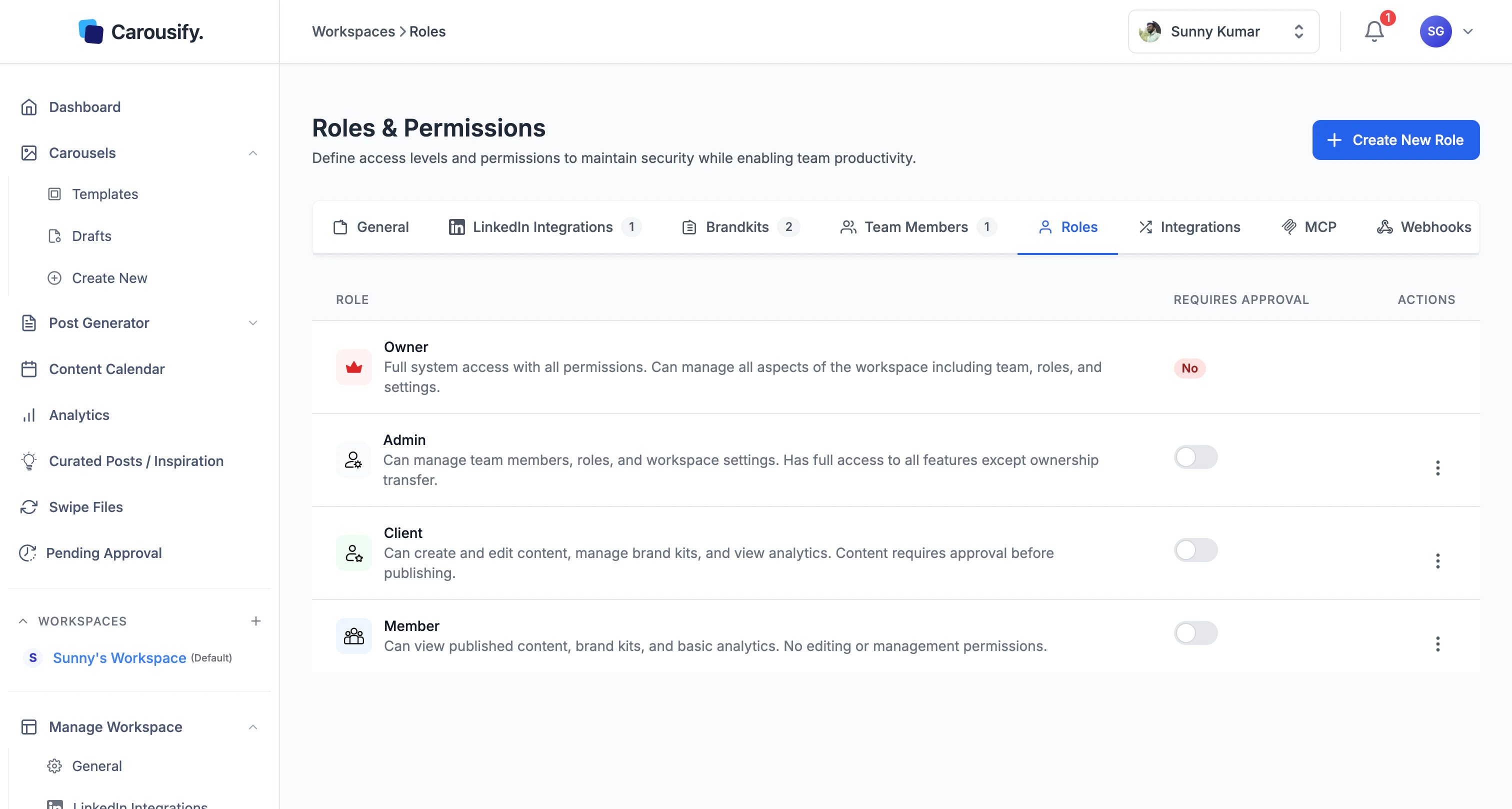
Built-in roles
The approval gate
Each role has a Requires Approval toggle on the roles table. Turn it on and any post a member of that role schedules or publishes lands in Pending Approval instead of going live — an Admin or Owner has to sign off first. This is how Carousify’s approval workflow is wired. Requires Approval is off for every role by default — turn it on for the roles you want to gate (typically Member, so writers ship to a queue an Admin signs off on). Client is view-only, so the toggle has no effect there. Toggle it from the roles table any time. The change applies to future posts — anything already scheduled keeps its existing approval state.Create a custom role
If the four built-ins don’t fit, click Create New Role in the top right.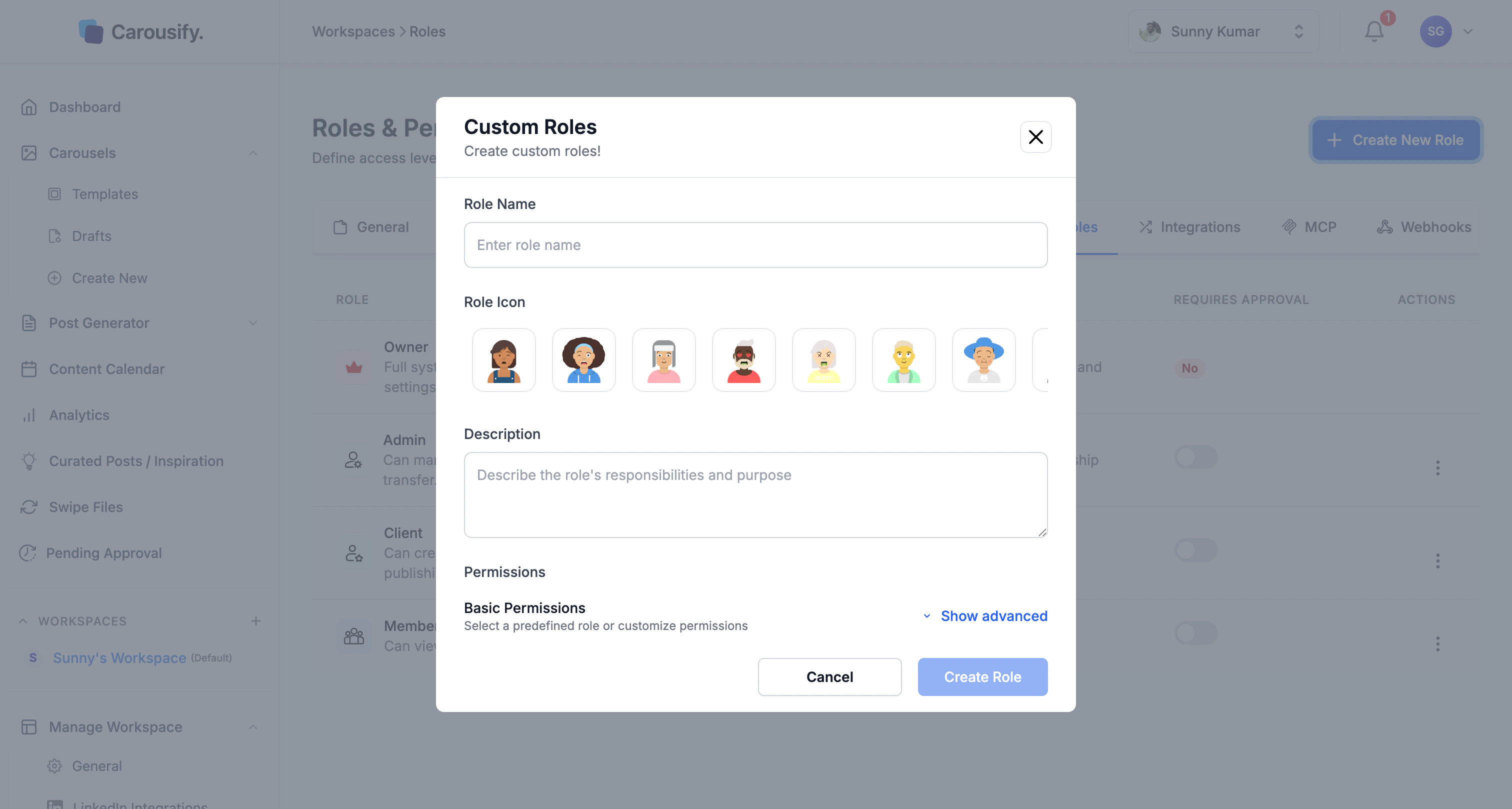
1
Name the role
Pick a name your team will recognize — Editor, Junior Writer, Approver.
2
Pick an icon
Choose from admin, editor, approver, viewer, analyst, manager, contributor, or guest. Purely cosmetic — shows up next to the role on the team list.
3
Add a description
One-liner so future Admins know what the role is for.
4
Set permissions
The dialog opens with a sensible default set. Click Show advanced to see every individual permission toggle.
The permission checklist
Show advanced opens five permission groups: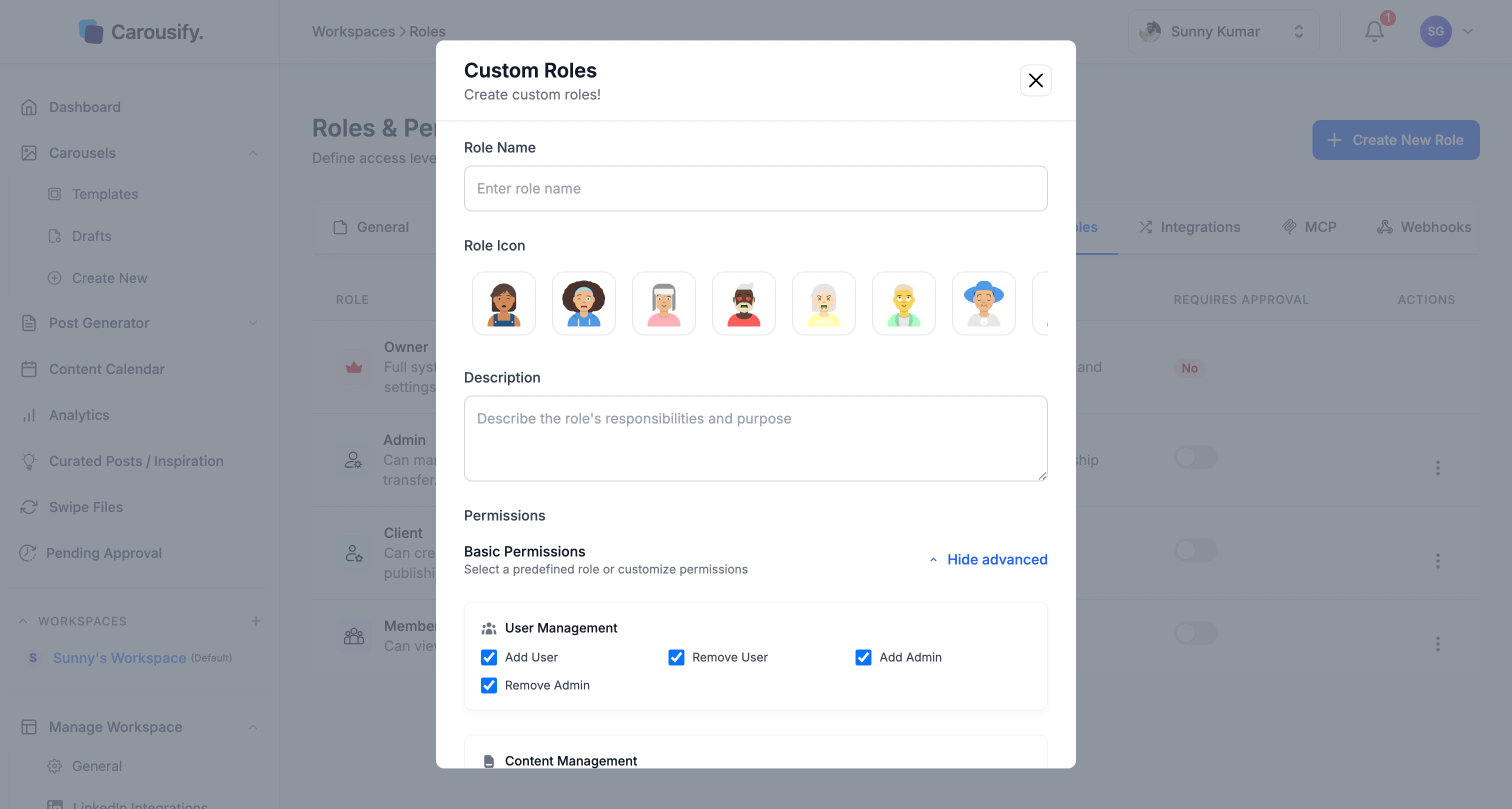
Use the Quick select buttons at the bottom to Select All, Select None, or reset to Default.
Click Create Role when you’re done. The role appears in the table immediately and shows up in the Select Role dropdown when you invite a new member.
Edit or delete a role
Each role row has an Actions menu. Built-in roles can have their Requires Approval toggle changed but their permission set is fixed. Custom roles can be edited, duplicated, or deleted from the same menu.What’s next
Invite team members
Send invites and assign one of these roles.
Approval workflow
How Requires Approval routes posts through Pending Approval.
Manage clients
Run a workspace for a client without sharing logins.
Workspace overview
Where roles fit alongside brand kits, integrations, and members.