Documentation Index

Fetch the complete documentation index at: https://docs.carousify.com/llms.txt

Use this file to discover all available pages before exploring further.

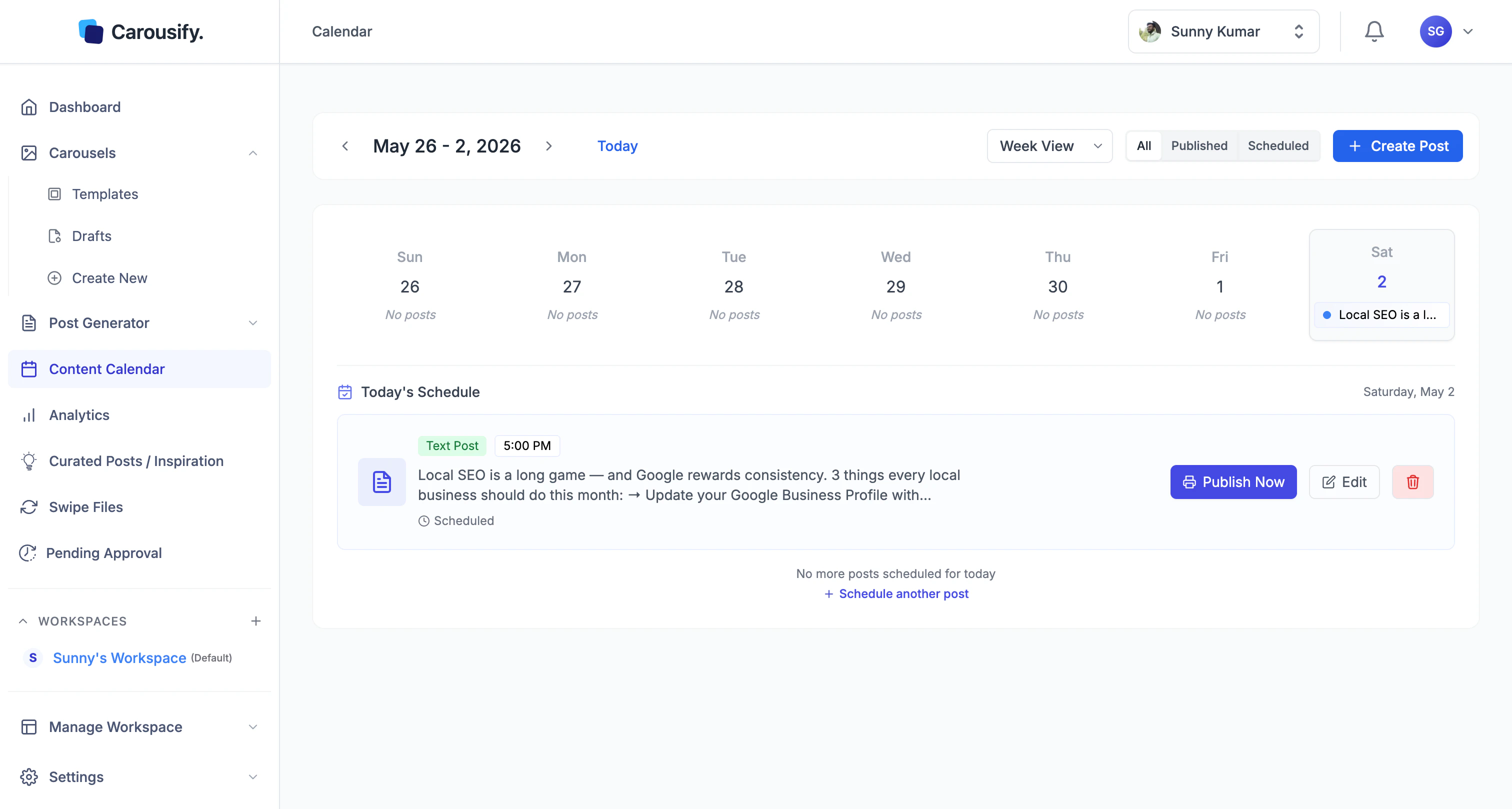
The Content Calendar is your single view of everything that’s posted, scheduled, or planned across your workspace. Open it from Content Calendar in the left sidebar. Carousify Content Calendar in Week View showing the scheduled post on the upcoming day Switch between Month View and Week View from the dropdown at the top, and use the All / Published / Scheduled buttons to filter the grid. The right-hand Today’s Schedule panel lists every post queued for the current day with its time, type, and quick actions — Publish Now or Edit. Click any day on the grid to focus the panel on that day instead.