> ## Documentation Index
> Fetch the complete documentation index at: https://docs.carousify.com/llms.txt
> Use this file to discover all available pages before exploring further.
# Welcome to Carousify
> Create LinkedIn carousels, schedule posts, and grow your brand from one platform.
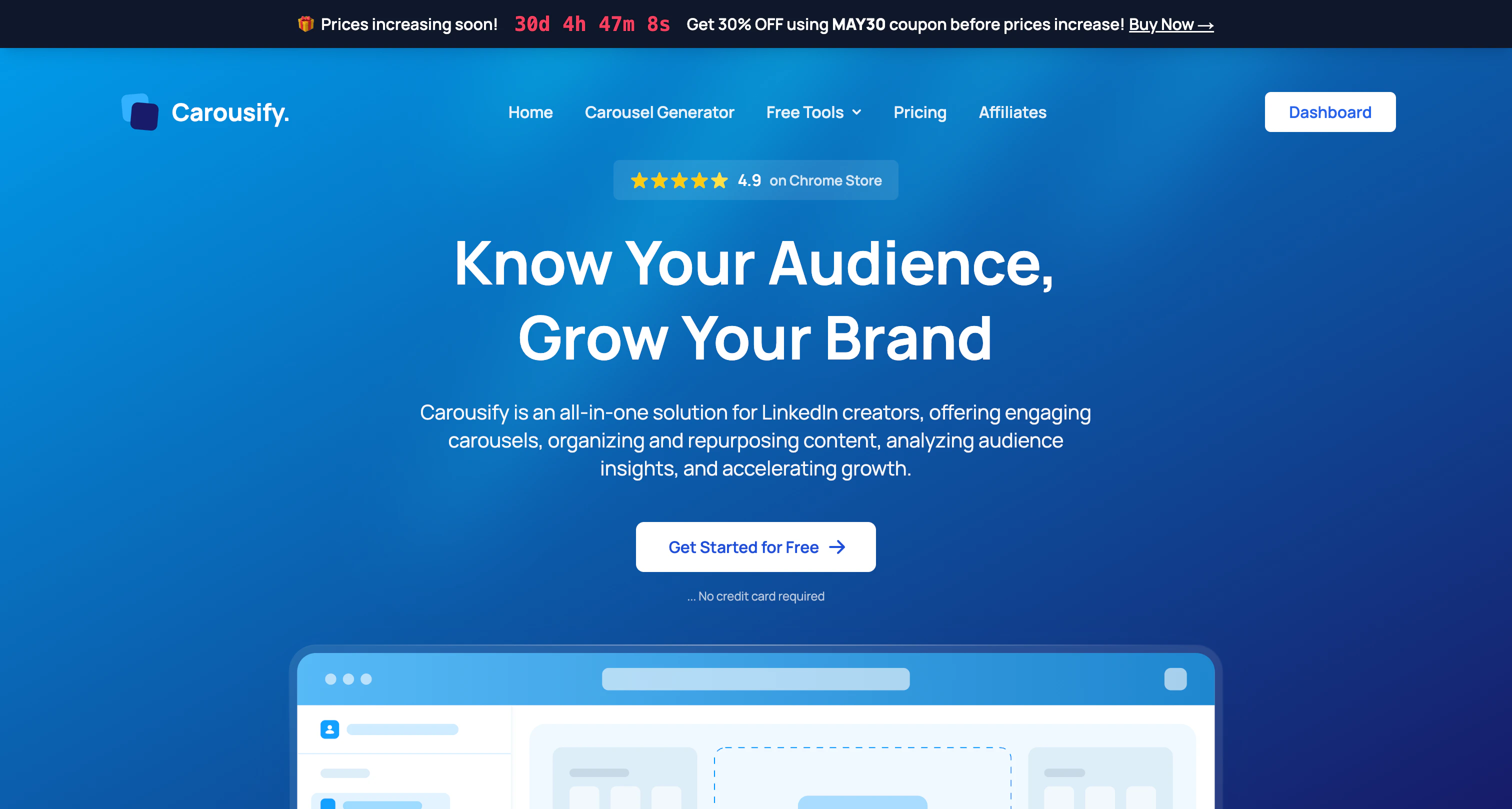 Carousify is a LinkedIn growth platform for creators, agencies, and businesses. Build carousels with templates or AI, repurpose existing content into posts, schedule across multiple LinkedIn accounts, and collaborate with your team — all using LinkedIn's official API.
## What you can do
Drag-and-drop builder, 45+ templates plus community templates, and AI generation in one editor.
Turn voice notes, PDFs, YouTube videos, or articles into ready-to-publish posts.
Queue posts at peak times and drop a follow-up comment automatically after a set delay to lift reach.
Workspaces with member roles, client LinkedIn accounts, and approval workflows.
## How to get started
Sign up at [carousify.com](https://carousify.com/) and verify your email.
During onboarding, set your workspace name, timezone, and other preferences.
Authorize Carousify using LinkedIn's official API. See [Connect your LinkedIn account](/getting-started/connect-linkedin).
Save your brand colors, fonts, and logos so every carousel matches. See [Brand Kit](/carousel-maker/brand-kit).
Pick a plan on the [pricing page](https://carousify.com/pricing/) to unlock the core features.
You can skip plan selection during onboarding, but creating carousels, generating posts, scheduling, and publishing all require an active subscription.
## For teams and agencies
Save brand colors, fonts, and logos so every carousel matches the brand.
Require manager review before posts publish. Available on Business and Enterprise.
Connect multiple LinkedIn accounts and manage client content centrally.
Shorten and track outbound links to measure click-through. Business and up.
## For developers
Receive real-time events for new posts and approval state changes.
Drive Carousify from Claude, Codex, VS Code, or Antigravity.
Run Carousify under your own brand and domain on Enterprise plans.
Carousify uses LinkedIn's official API. We never ask for your password and stay fully compliant with LinkedIn's terms of service.
Carousify is a LinkedIn growth platform for creators, agencies, and businesses. Build carousels with templates or AI, repurpose existing content into posts, schedule across multiple LinkedIn accounts, and collaborate with your team — all using LinkedIn's official API.
## What you can do
Drag-and-drop builder, 45+ templates plus community templates, and AI generation in one editor.
Turn voice notes, PDFs, YouTube videos, or articles into ready-to-publish posts.
Queue posts at peak times and drop a follow-up comment automatically after a set delay to lift reach.
Workspaces with member roles, client LinkedIn accounts, and approval workflows.
## How to get started
Sign up at [carousify.com](https://carousify.com/) and verify your email.
During onboarding, set your workspace name, timezone, and other preferences.
Authorize Carousify using LinkedIn's official API. See [Connect your LinkedIn account](/getting-started/connect-linkedin).
Save your brand colors, fonts, and logos so every carousel matches. See [Brand Kit](/carousel-maker/brand-kit).
Pick a plan on the [pricing page](https://carousify.com/pricing/) to unlock the core features.
You can skip plan selection during onboarding, but creating carousels, generating posts, scheduling, and publishing all require an active subscription.
## For teams and agencies
Save brand colors, fonts, and logos so every carousel matches the brand.
Require manager review before posts publish. Available on Business and Enterprise.
Connect multiple LinkedIn accounts and manage client content centrally.
Shorten and track outbound links to measure click-through. Business and up.
## For developers
Receive real-time events for new posts and approval state changes.
Drive Carousify from Claude, Codex, VS Code, or Antigravity.
Run Carousify under your own brand and domain on Enterprise plans.
Carousify uses LinkedIn's official API. We never ask for your password and stay fully compliant with LinkedIn's terms of service.